Floating monitor
Live measurements in a resizable window. Choose your resources, show graphs and pin it above other windows.
 Task Managerfor Mac
APPLE SILICON · MACOS 15+
A clear view of your CPU, memory, storage, network and battery. All in one native Mac app.
Explore the appOne-time purchase. No subscription.
$9.99 USD · Mac App Store release in preparation.
YOUR WORKSPACE, YOUR CHOICE
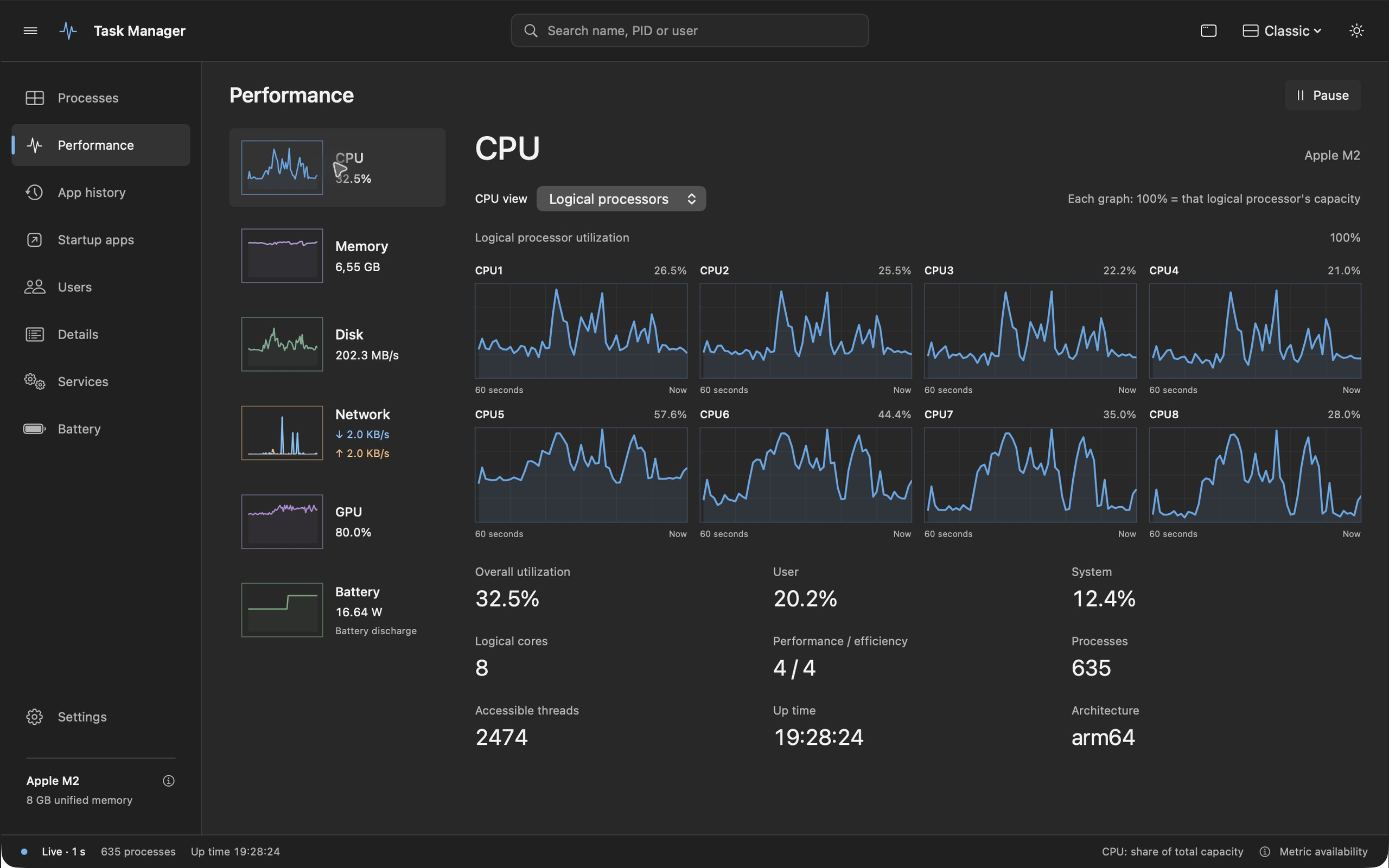
Start with Classic, open up Studio,
or keep things compact with Precision.
NETWORK
Follow download and upload on clearly separated graph lines. Your default network interface appears first, with current rates right beside it.
Download Upload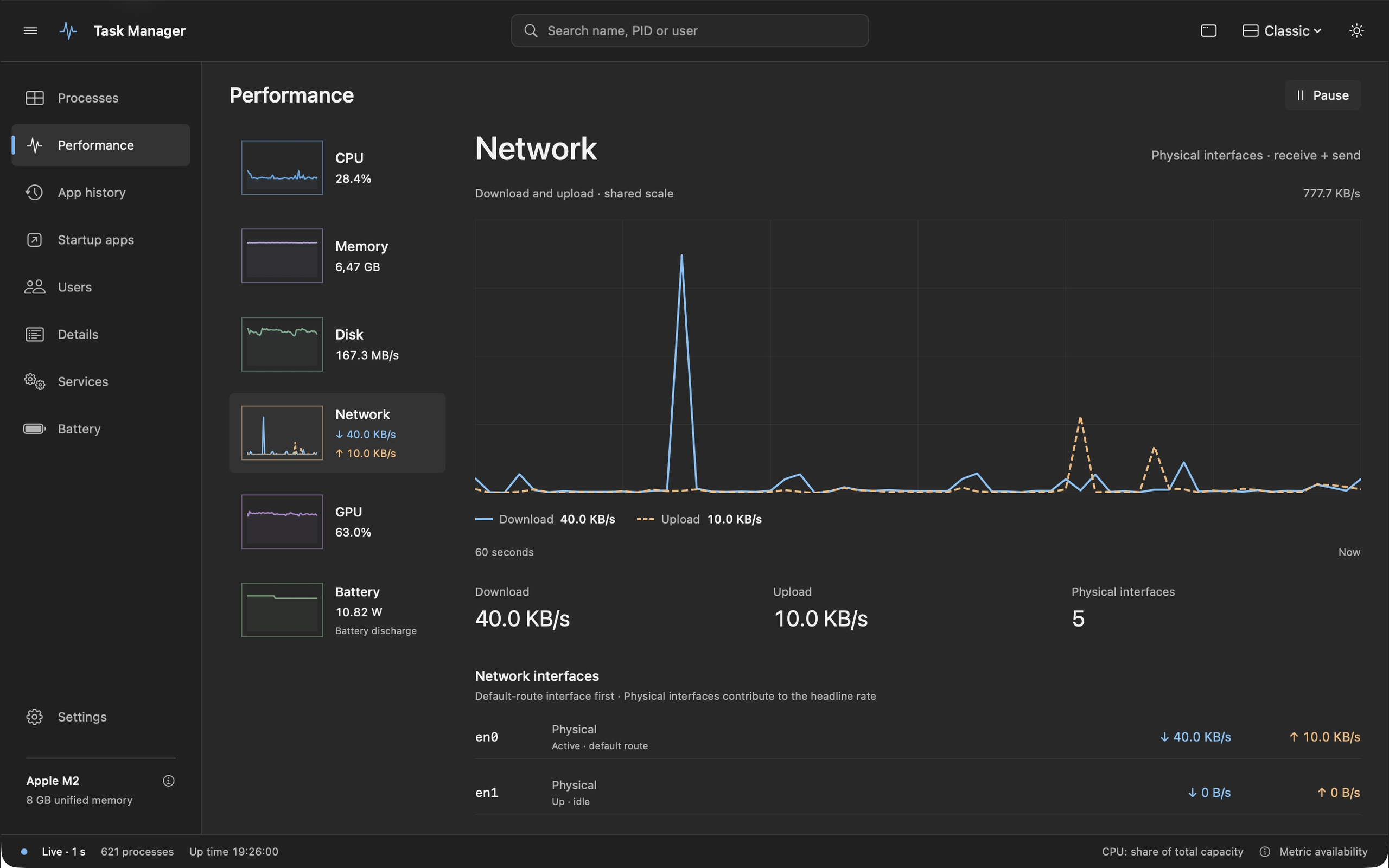
BATTERY
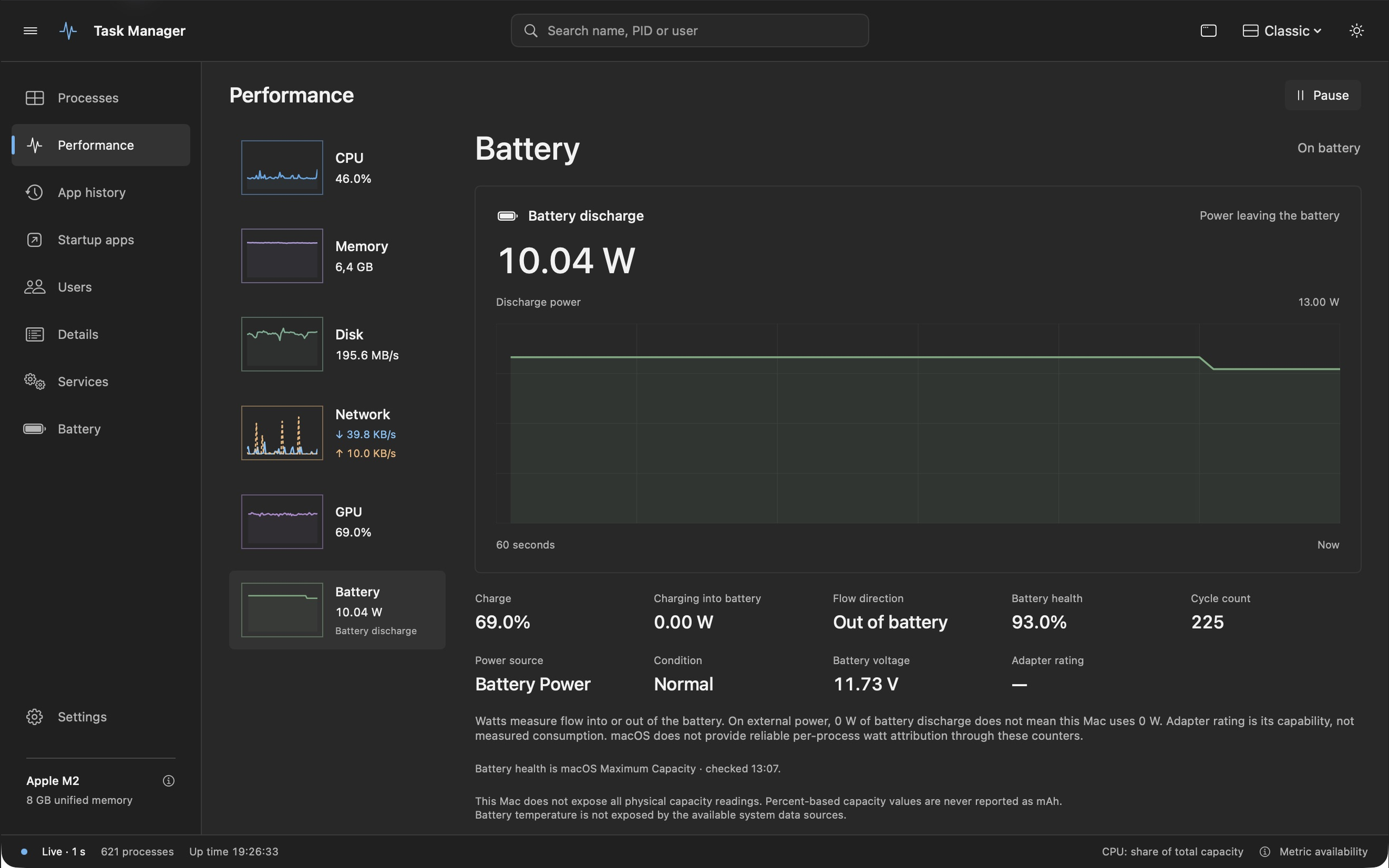
Check battery health, cycle count and live power flowing into or out of your battery in watts. See the readings and their history in one place.
Battery power measures flow at the battery. It does not represent total Mac power while plugged in.
A SMALLER VIEW OF THE BIG PICTURE
CPU only? Memory and network? All five? Choose any combination for your resizable floating monitor or desktop widget.
Live measurements in a resizable window. Choose your resources, show graphs and pin it above other windows.
A glanceable snapshot, with independent choices for each resource. macOS controls refresh timing; the sample label shows how recent the reading is.
LOCAL BY DESIGN
No advertising. No analytics. No developer account.
Built for M-series Macs. Requires macOS 15 or later. Intel Macs are not supported.
GPU readings depend on available driver counters. Unavailable measurements show a dash. Per-app watts and Neural Engine utilization are not provided.
Questions? Visit support ↗